

Hot Press News
- DCM Shriram Reports 22% Revenue Growth in Q2 FY27 at INR 3,977 Crore
- ReadyBid Targets Data Center Expansion Travel with Smarter Hotel Sourcing
- Dalmia Bharat Limited reported Steady Performance in a Challenging Environment
- FreeWebsite247 Launches Free Websites for U.S. Local Businesses
- Royal Royce Detailing Highlights Professional Car Care Solutions for Vehicle Owners in Hyderabad
- AIG Hospitals and Boston Scientific to Establish Centre of Excellence to Strengthen Access to Therapeutic GI Endoscopy
- DataVare OLM to PST Converter Expert Tool Introduces Improved Compatibility and a User-Friendly Workflow
- Character building, discipline key to nation-building: Governor Arlekar motivates youth at MIT-WPU convocation
- Crompton Launches Ameo Chop’N’Peel, Bringing Peeling, Chopping and Whisking into One Appliance
- JSONSpace Introduces a Browser-Based Toolkit to Simplify JSON Development Workflows
- Saxon AI recognized at World AI Awards 2026
- Tech Mahindra and Mastercard Partner to Accelerate Embedded B2B Payments Through ERP and Procurement Platform Integration
- Bank of India, Bhopal Zone Organises Vehicle Dealers' Meet in Gwalior
- Introducing ANTISTATUS, an India-born statement jewellery and lifestyle brand, founded by Pallavi Singh and Manav Sethi
- Unlocked Potential Opens Registration for 2026 Winter Break Youth Camp in Flagstaff for Grades K-9
 Mail to a Friend Mail to a Friend |
|
 Rate Rate |
 |
BitRecover Free MBOX Viewer Launches as Reliable Solution to Open and Read MBOX Files Easily
2026-10-26 07:34:22
Technology
1159
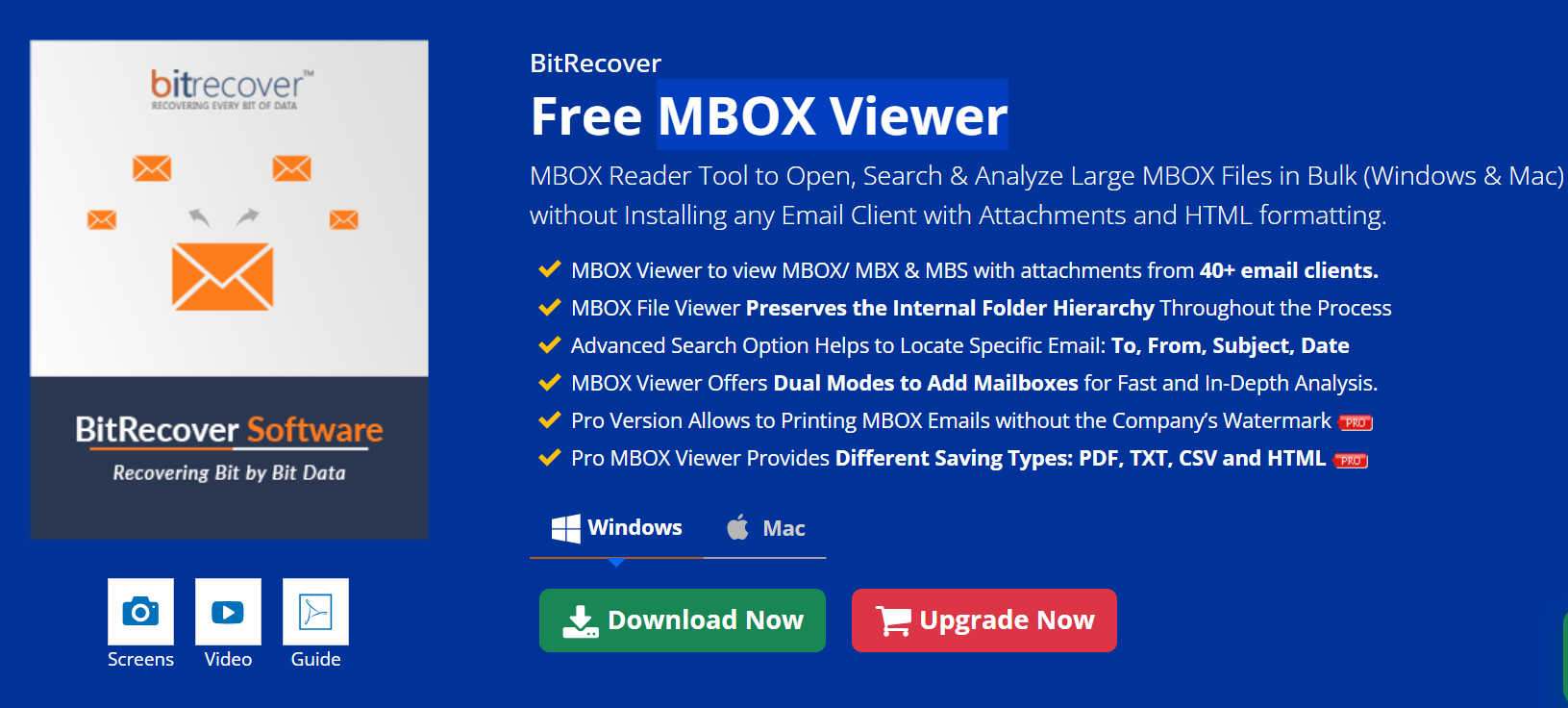
BitRecover Free MBOX Viewer is a free MBOX Viewer utility that lets you open and read MBOX files without having Thunderbird, Apple Mail, or any email client installed on your computer. It loads complete email data including attachments, sender info, timestamps, and formatting into its panel so you can read everything without extra tools. This makes it a go-to MBOX File Viewer for people who just want quick access to the contents of an archived MBOX archive.
Here’s why so many users look for an MBOX Viewer Tool in the first place: often your email client is unavailable, unsupported, slow on large archives, or simply fails to show attachments correctly. You may have backup files from years ago saved on a drive, but you can’t open them without a viewer — that’s where BitRecover Free MBOX Viewer comes in.
What It Solves | Real User Needs
Here’s the thing — people don’t care about features; they care about solving a problem: they want to access their MBOX email data easily. With this tool you can:
Open MBOX Files Without Email Clients
You don’t need Thunderbird or Apple Mail installed. The software is a standalone MBOX File Reader that reads MBOX archives directly, even on machines with no mail client configured. That answers the top common question users ask (“Can I open MBOX files without installing Thunderbird or any email client?”).
Load Large and Corrupted Files
This viewer uses smart technology often called MessageSense that tries to read and display messages from damaged or oversized MBOX files. Users dealing with huge archives won’t get stuck — it handles files up to dozens of gigabytes and even some corrupted data.
Preview Attachments Easily
When you open a loaded MBOX file, emails with attachments show up with a marker. You can click and view attachments from within the interface without installing anything else, which is a common pain point when emails contain important documents, photos, or PDFs.
See Complete Email Details
This isn’t just a simple text dump. The viewer displays subject, sender, recipients (To, CC), date/time, body content, links, HTML formatting, and attachments — making sure you can read email the way it was originally stored. That means it retains all metadata without alteration.
How It Works | Simple Steps
Here’s how you access MBOX content:
• You launch the viewer and choose “Open MBOX File” or select a folder containing many MBOX files.
• The system scans the file(s) and lists messages in its panel.
• You click any message to view text and attachments.
This means even if your MBOX files came from Thunderbird, Apple Mail, Eudora, Google Takeout, or any email source, you can just open them directly.
User Feedback | What People Say
As per independent reviews and user comments, the biggest wins with BitRecover Free MBOX Viewer are:
• Works straight away without installation, perfect for non-tech users.
• Reads large and corrupted MBOX files users thought were inaccessible.
• Preview windows show full email details including attachments.
One reviewer said they found “it useful for opening large MBOX files and viewing content quickly” even without extra software installed.
Limitations | Be Clear and Honest
Let’s break it down in straightforward points:
• No Advanced Search Built-in – you can browse but searching across large archives may be limited.
• No Export to Other Formats – the free viewer doesn’t convert to PDF or EML by default.
• Windows/Mac UI Only – only desktop versions are available.
• No Cloud Web Version – you can’t upload and view online.
• No Editing – it’s read-only, so you can’t modify emails.
These points matter because if you need export options or cloud access, you’ll need a different tool or a paid version.
Who It’s For | Best Users
Best software for anyone who needs to:
• Open and inspect old archived emails.
• Access MBOX without installing Thunderbird.
• Read large or slightly damaged MBOX files.
• Check email metadata and attachments.
• Quickly open MBOX files for legal, forensic, or review purposes.
Supported Platforms and Trust
BitRecover Free MBOX Viewer runs on Windows and Mac OS, and appears on both Microsoft Marketplace and reputable software hubs. It is standalone, user-friendly, and repeatedly mentioned in tech blogs and user guides as a reliable MBOX Email Viewer.
Comparison | Simple Quick Look
MBOX Viewer Tool vs Other Viewers (Key Points)
BitRecover Free MBOX Viewer lets you open large MBOX files – many others max out at smaller sizes.
It doesn’t need an email client – unlike Thunderbird import.
It shows attachments clearly – not every viewer does.
FreeViewer might offer search filters built-in.
Next Steps
If you want to not just view but also convert or extract emails, there are advanced paid utilities available that are built on the same engine but add export features like PDF or EML.
Contact
BitRecover Inc.
2885 Sanford Ave SW #35065 Grandville, MI 49418, USA
Phone: +1 616 314-5060
Email: support@bitrecover.com
Company :-BitRecover
User :- Khushi Ratra
Email :-khushiratra.pcvita@gmail.com
Phone :-6163145060
Mobile:- 6163145060
Url :- https://www.bitrecover.com/free/mbox-viewer/



To ensure stability and reachability of your applications at all times, remote DDoS protection can keep your hosting services online

Get your Explainer Video at 100 dollars only Today.